

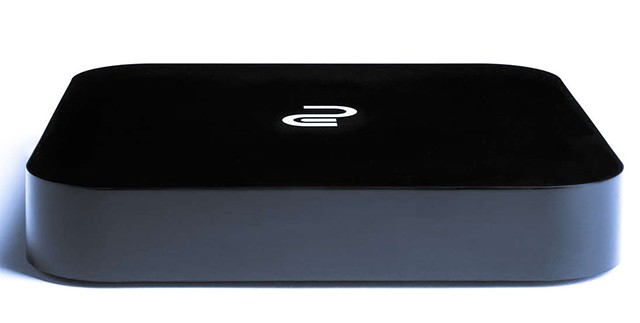
The other day during our GeekFest Great Geek Challenge, you may have noticed one of our sponsors was a company called Cloudgate.
“Cloudgate?” you ask, “is that some kind of newfangled security system?”
No dear reader! Whilst it may be interesting to entertain some form of variably permiable cloud barrier as a security measure, this Cloudgate is actually a miniature computer, it’s purpose to act as a “Gateway” and enabler for your media needs.
What does that even mean?
Well dear reader, what this means is that the Cloudgate is a compact little box which you can easily ferret away behind any TV in order to run or stream your preferred Media choice. From your favorite Youtube videos, to a playlist of your most jamming music and even some of those digital movie copies you made from your DVD collection. We were kindly provided with one of the small little devices to review, you may have spotted it playing some shows at ICON this year, as we left the unit running the whole convention by the GeekXP Table. Here are our thoughts below
Tiny but fierce
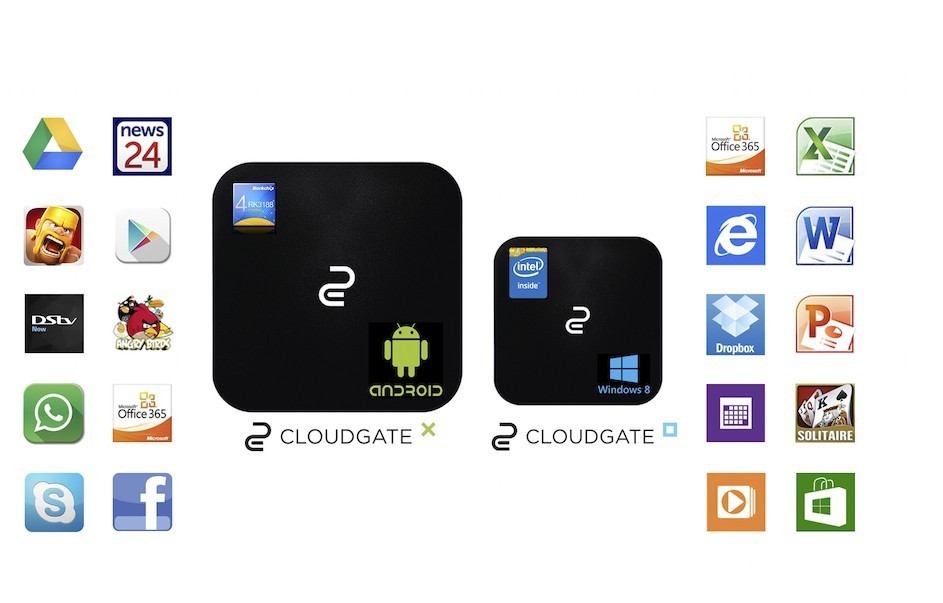
They’ve cleverly released OS’s that cater to different styles of users
The Cloudgate boxes come in both an Android and a Windows 8 flavor, but we’ve only really taken a look at the Android variant (Which is fine by me, as I’ve used Android on my phone ever since the Galaxy S2!) coming in at a small 128mm by 128mm (Half the size of a school ruler in the form of a square) and a height of 20mm (two thin fingers) the little box wieghs a small 225g and consumes a tiny 10W of power. (To put that into context, your average PC will consume closer to 400w of power and your average 42″ LCD TV uses about 150W) This power consumption fact becomes all the more relevant in South Africa, when suddenly folks are seeking methods to weather the Loadshedding storms that frequent our homes.
For it’s small size, the device packs the following specs:
- CPU: Quad Core 1.6Ghz processor
- GPU: Quad Core Mali 400 (2D/3D/OpenGLES2.0 (AMD Z430)/Open VG1.1) – HDMI Connection
- 2 Gb High-Speed RAM
- 8 GB Solid-State Storage
- 3 USB Ports
- A Micro SD Slot
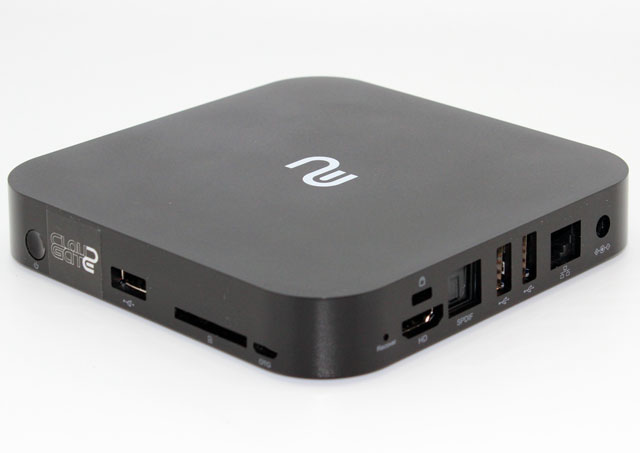
With a Wifi, Bluetooth and Ethernet enabled network card, to enable streaming and file transfer over a network.
2GB may not seem like an awful lot in this day and age, but these specs were more then sufficient to handle any of the High Res Movies and shows I flung in it’s direction, provided I hadn’t gone overboard with hundreds of google chrome tabs littering the background of my device.
The Android Interface is crisp and clean, although may take a little getting used to if you have never used an Android based phone before. As mentioned before, there is a windows based equivalent device if you’re really trepidatious about the Android OS.
Gaming Potential?
Pass and Play works just as well with a Keyboard and Mouse as with a Tablet, only your screen is much bigger!
The device doesn’t quite have the oomph needed to run any major games (Let alone the OS issues involved in trying to get them to work) But what I did find it great for was to download many of the hundreds of ROM emulators available in the Android Play area, turning the little device into a retro gaming console, allowing me to play some old classics like Monkey Island, or even Pokemon Red on my TV. I haven’t had the chance to try out any multiplayer classics yet, but with the plethora of USB ports having multiple keyboards plugged in is not an issue, allowing for some casual classic Atari Street fighter from the comfort of the couch.
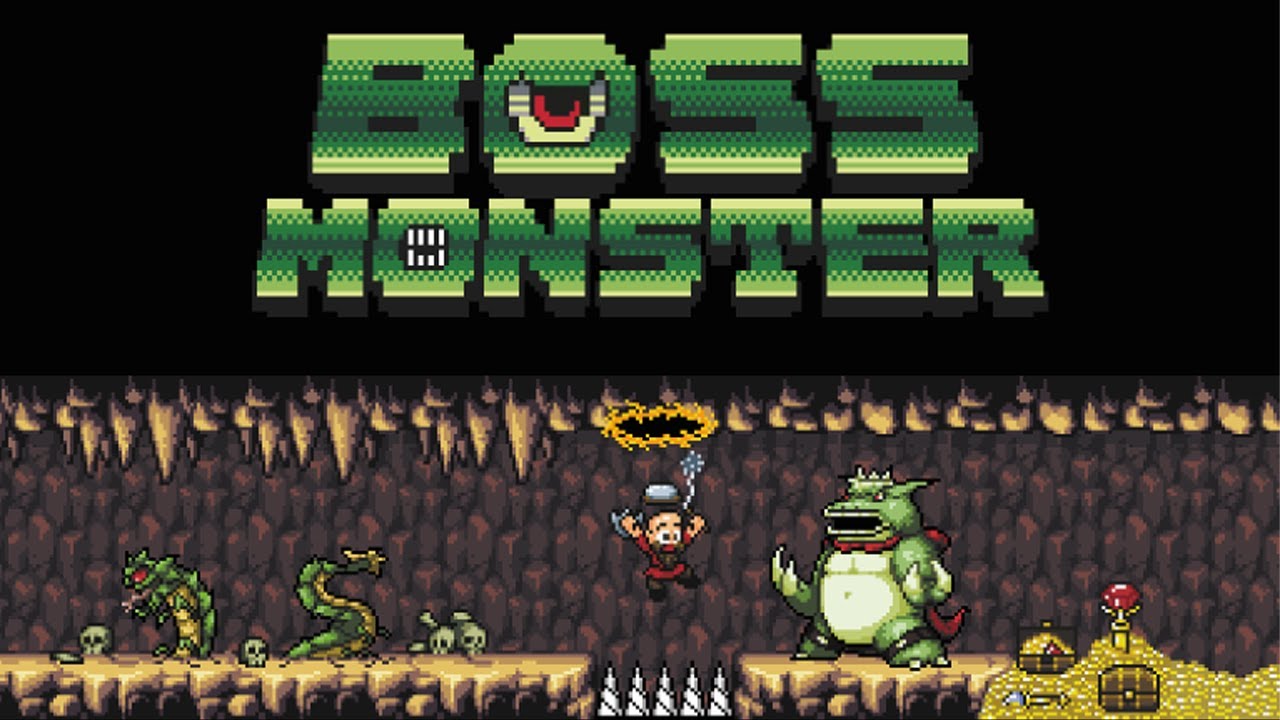
If mobile games are your bailiwick, you’ll find all of them available as well through the play store. With the Plethora of board-game conversions coming to mobile devices nowadays, this gives the android based cloud-gate a whole new angle of attack (Hearthstone, Catan and Boss Monster Anyone?)
Overall
With a price range of between R999 and R2962, the Cloudgate is definitely an affordable purchase for someone looking for a device to replace the more traditional “DSTV” or “Full on Computer” approach. Those with slower internet connections may not be able to use it’s cloud abilities quite as effectively, but they compensated for this nicely with loads of peripheral slots. Overall the device has functioned admirably for great lengths of time and has provided some fun mobile and retro gaming experiences! It’s definitely recommended if you’re looking for an affordable compact media center solution.
(Check them out at www.Cloudgate.co.za if you’d like to know more or get a hold of one!)